Release 11.12
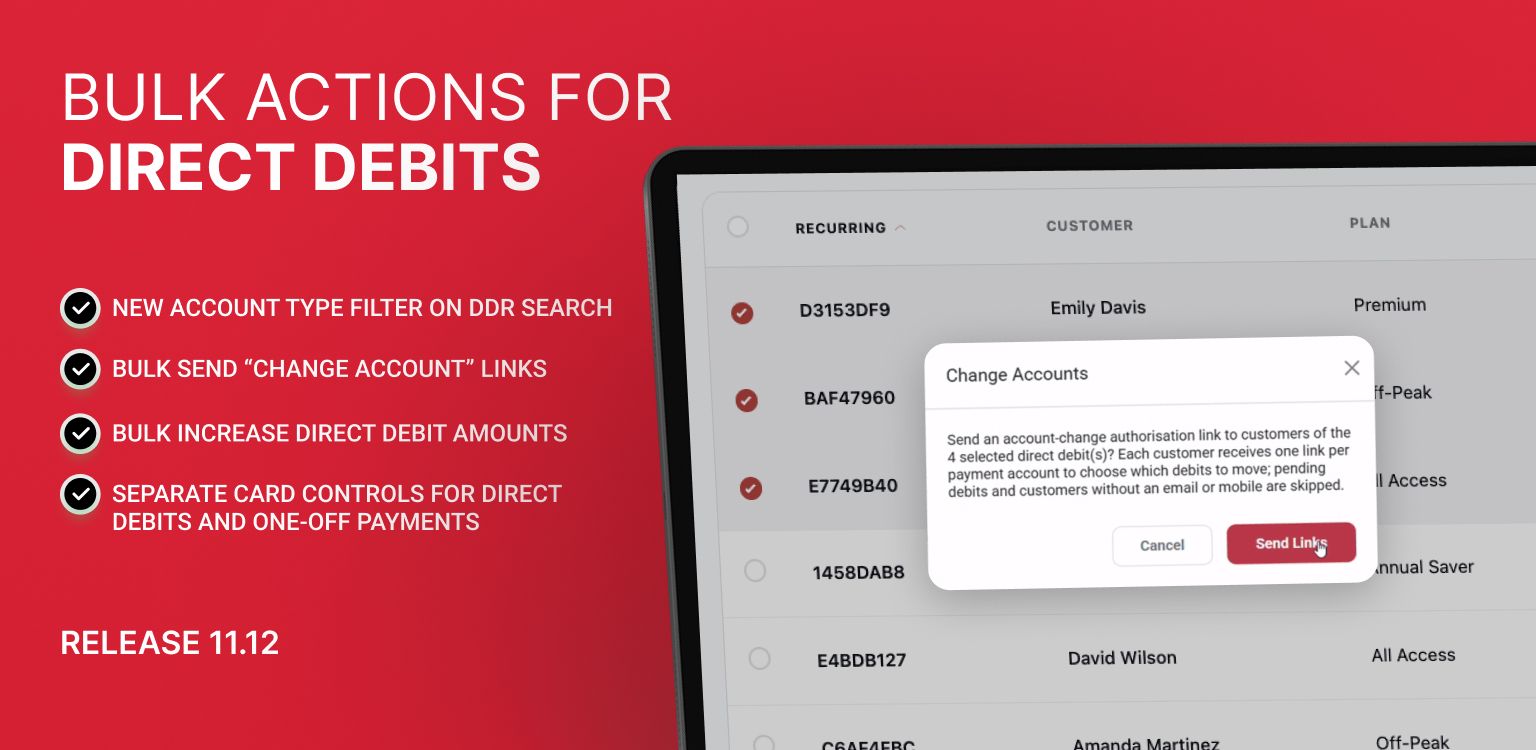
🌟 NEW: Bulk Actions for Direct Debits 🌟
Bulk Send “Change Account” Links
You can now send payment-detail update links to multiple customers at once directly from the Direct Debits page under Bulk Actions → Change Accounts.

This triggers an automated email or text via Pay Advantage allowing customers to easily move their recurring payments to a new payment method.
Email Grouping: If a customer has multiple direct debits linked to the same payment account, Pay Advantage consolidates them into a single email. The link allows the customer to choose which of their direct debits to update.
Automated Exception Handling: Accounts that cannot be actioned (such as those pending re-authorization, missing contact details, or already cancelled) are automatically skipped, and a summary report is generated.
New Account Type Filter: Easily target card payments using the new Payment Account Type search filter (Bank Account vs. Credit Card). This filter also applies to your CSV exports.
Why it matters: This makes it effortless to migrate existing recurring customers away from credit cards and onto lower-cost bank account payments ahead of the October 2026 surcharge changes.
Bulk Increase Direct Debit Amounts
You can now bulk-update recurring payment amounts across multiple direct debits directly from Bulk Actions → Adjust Amount. Update amounts by a percentage (up to 10%) or by a fixed dollar amount.
Customer Notifications: You can choose whether or not to send our automated email notification to affected customers.
Template Detachment Warnings: If a direct debit is currently linked to a template, updating it via bulk action will detach it from that template. Clear warnings are provided before applying changes, and a new Attached to a Template search filter helps you filter these out beforehand. The correct procedure for bulk amount adjustments for template attached debits is to update at the template level. To find out more, view this article.
Smart Exclusions: Direct debits that would exceed processing limits, or require re-authorization, are automatically excluded from selection. Any items that cannot be adjusted are skipped and reported without interrupting the rest of the batch.
API Support: Developers and API users can also execute bulk adjustments using our new public endpoint. See more here.

For more information about Direct Debit Bulk Actions, see this help article.
Uplifted Payment Settings
Separate Card Controls for Direct Debits and One-Off Payments
We’ve upgraded the Credit / Debit Card control in Settings → Payment Settings & Defaults → Payment Methods by splitting it into two independent switches:
Direct Debit Authorizations
Payment Portal (Invoices, Payment Requests, and One-Off Checkouts)
This gives you granular control over where card payments are accepted. For example, you can keep credit cards enabled for one-off portal payments while turning them off for recurring Direct Debit links (or vice versa).
Existing Settings Preserved: Your current card preferences remain active across both flows, so nothing changes until you choose to adjust the new switches.
Amount Caps: If you set a Max Amount cap for credit card payments, it will apply across both flows whenever enabled.
