Release 11.0.0
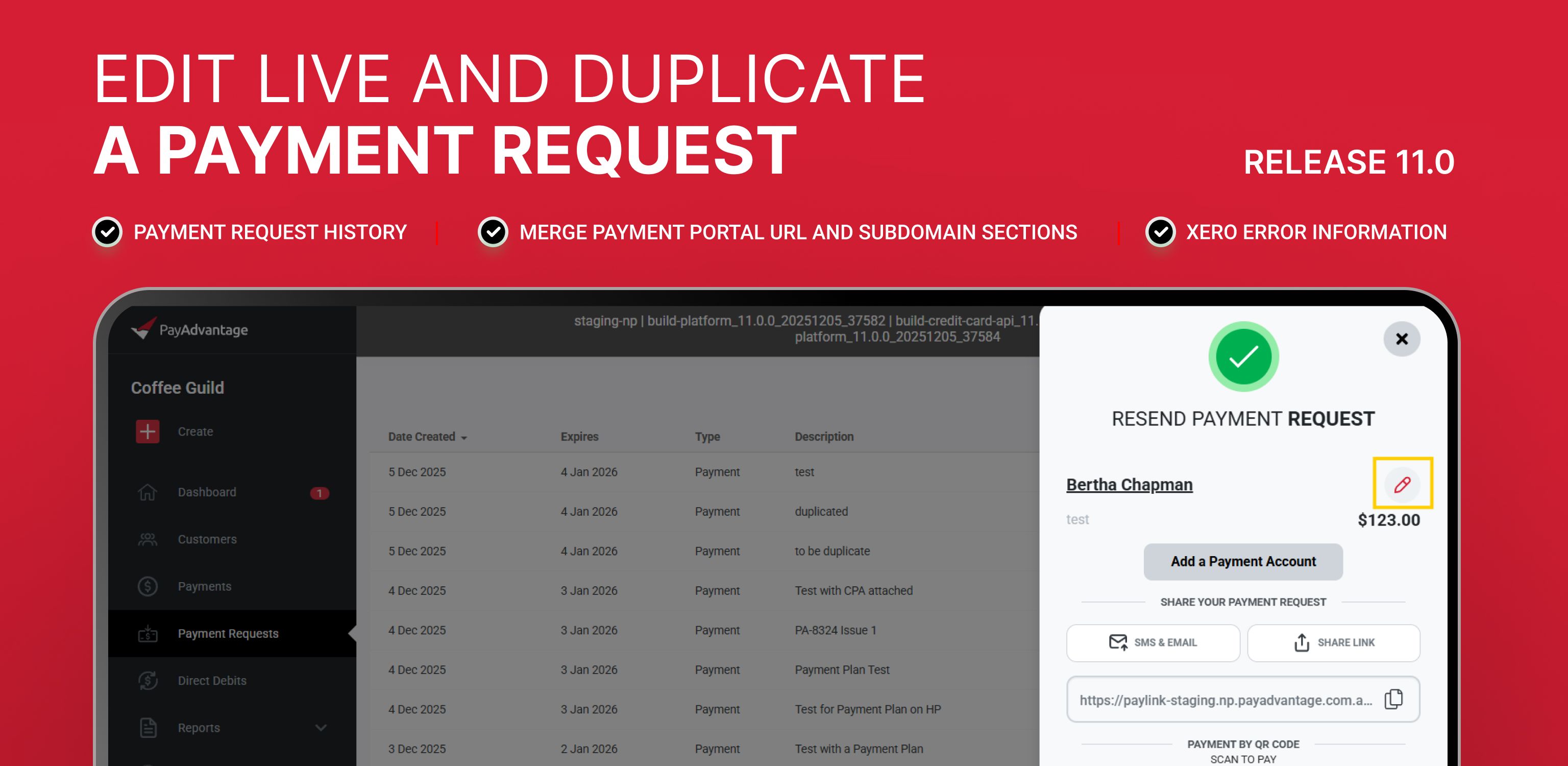
Xero error information
Xero and Pay Advantage sync errors now have information about the customer and the payment that was unable to sync. This allows you to fix the error in Xero to allow the synchronization to resume without any difficult analysis.
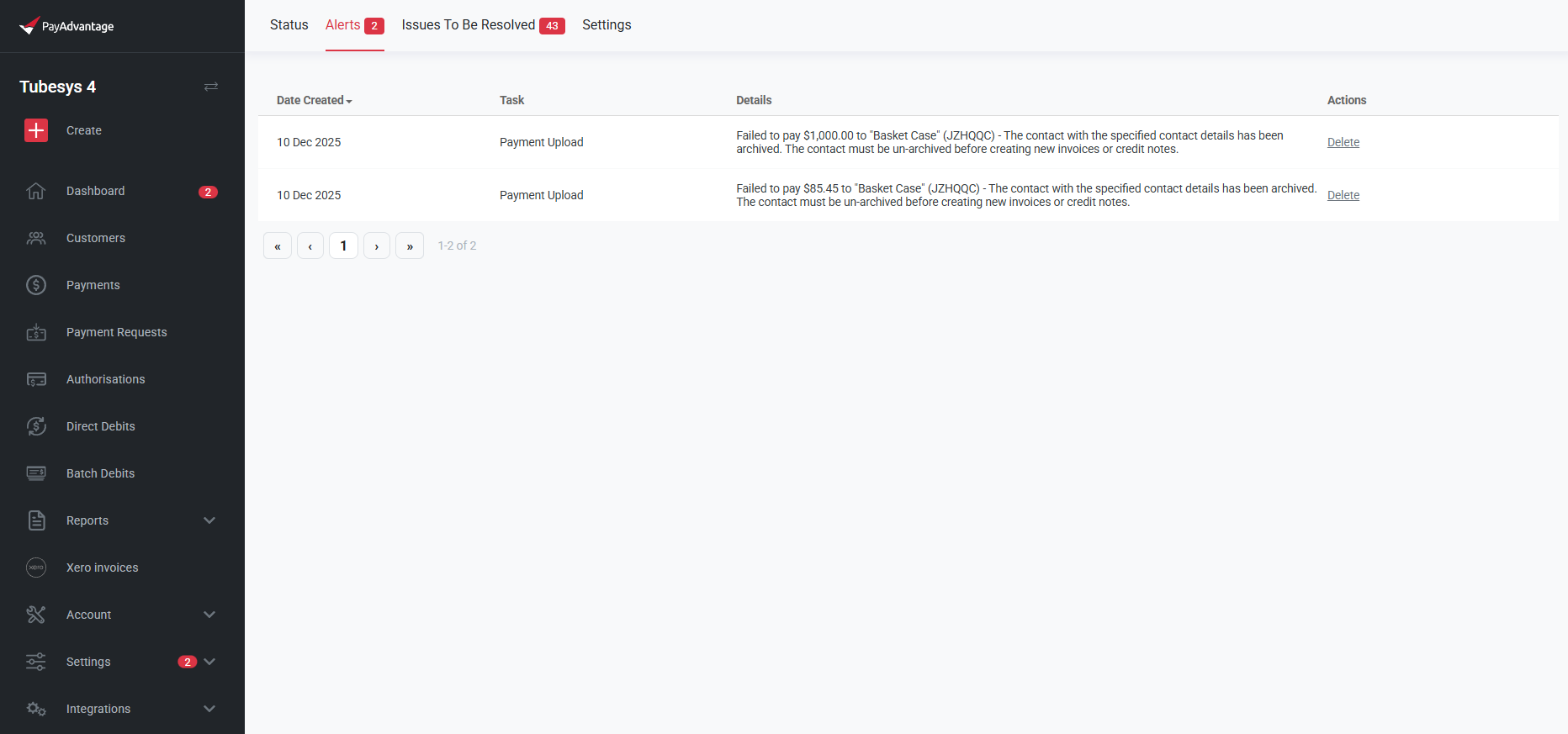
Edit screen for Payment requests
You can now edit an existing Payment Request without generating a new link. This makes it easier to correct details and avoids confusing customers with multiple payment links.
What’s New:
You can now open an active Payment Request and update key details directly from an Edit screen. This screen looks similar to the original creation page and allows you to adjust:
Description
Amount
Attached Credit Card
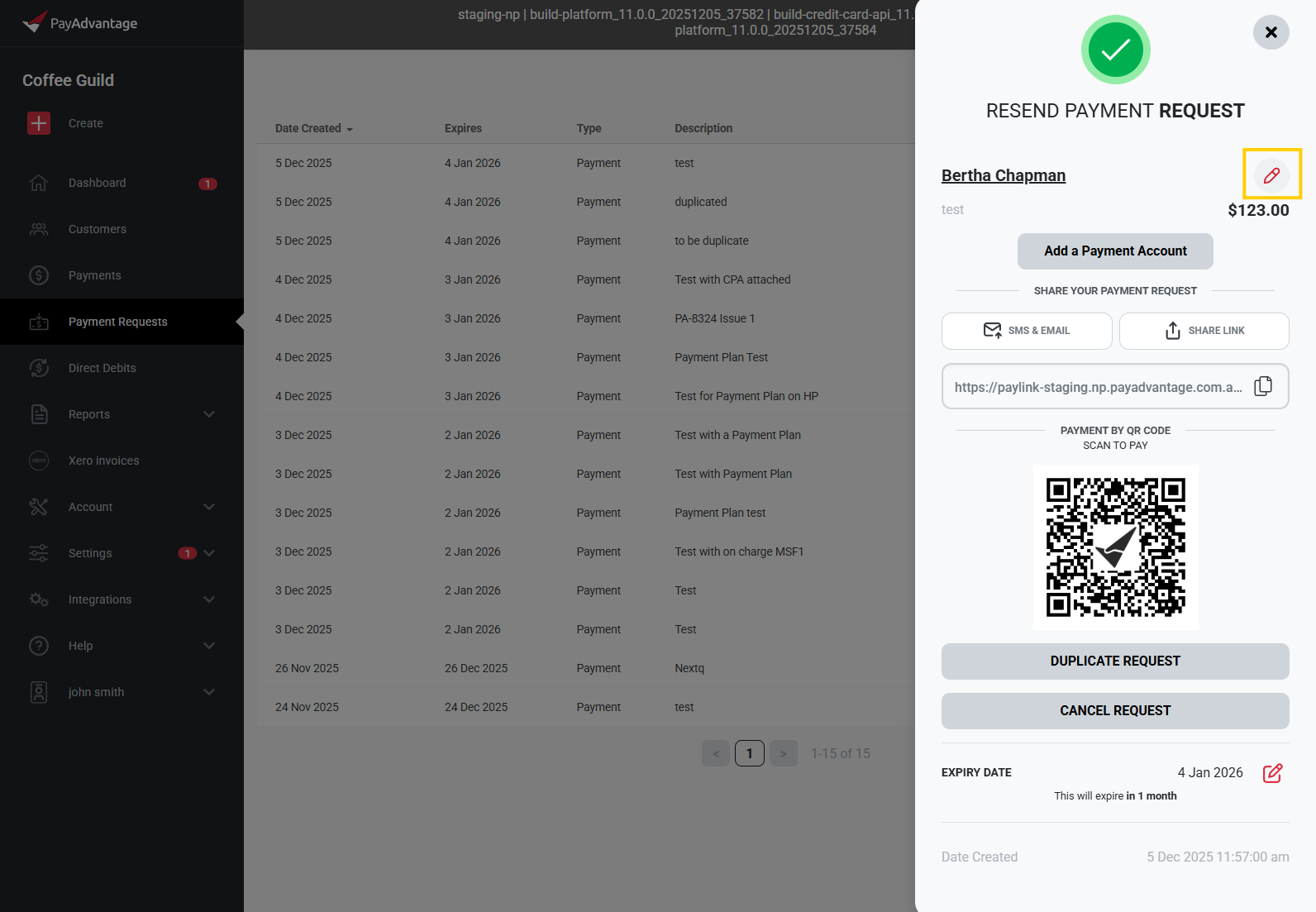
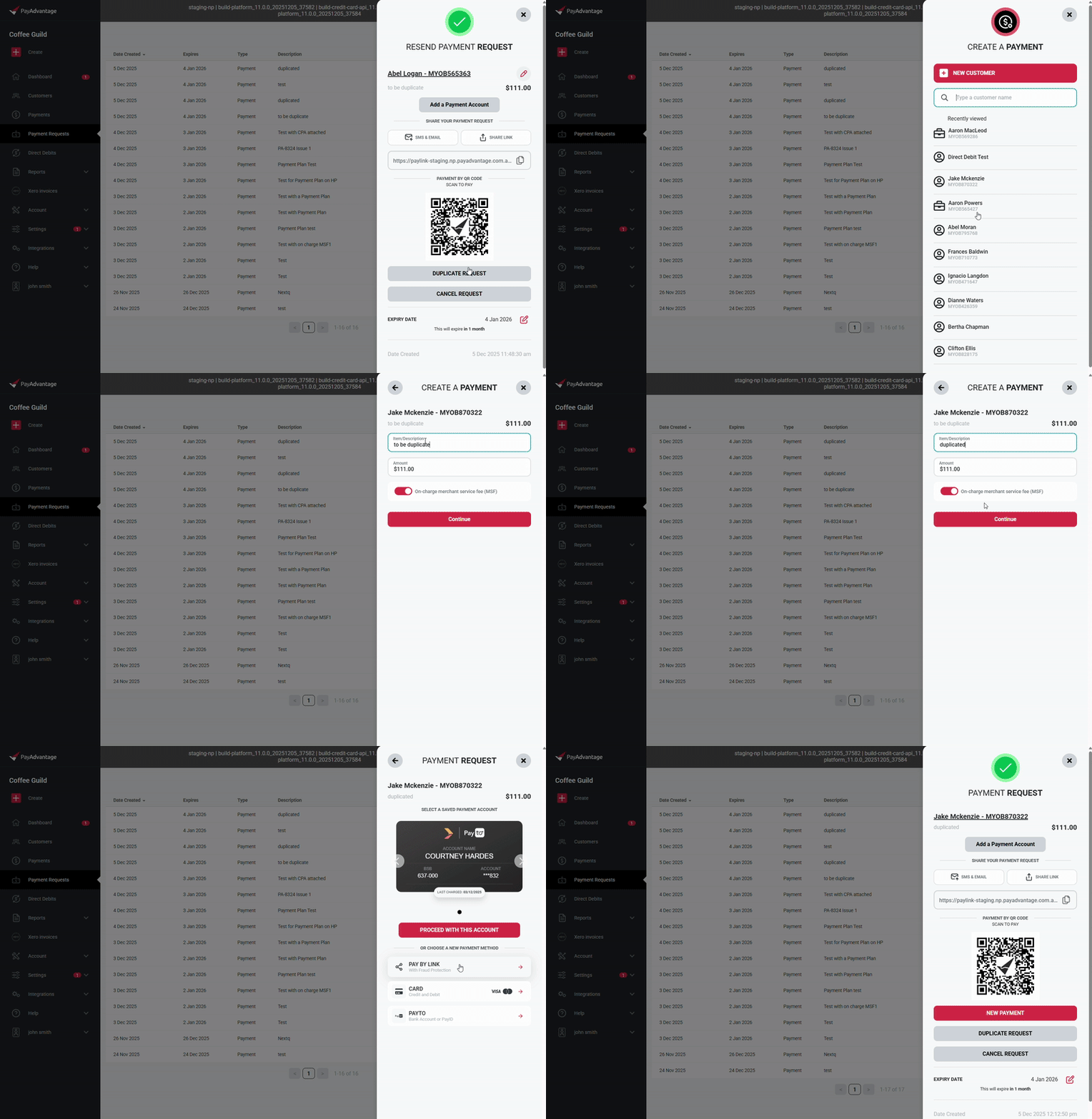
Duplicate (COPY) payment request
You can now quickly create a new payment based on an existing Payment Request. This feature pre-populates key details, reducing manual entry and speeding up the payment process.
What’s New:
Duplicate Payment Button: A new “Duplicate” button is available on the Payment Request slider.
Pre-populated Fields: Clicking the button opens the Virtual Terminal starting at the customer selection screen, with:
The amount from the original request
The description from the original request
Merge Payment Portal URL and Subdomain Sections
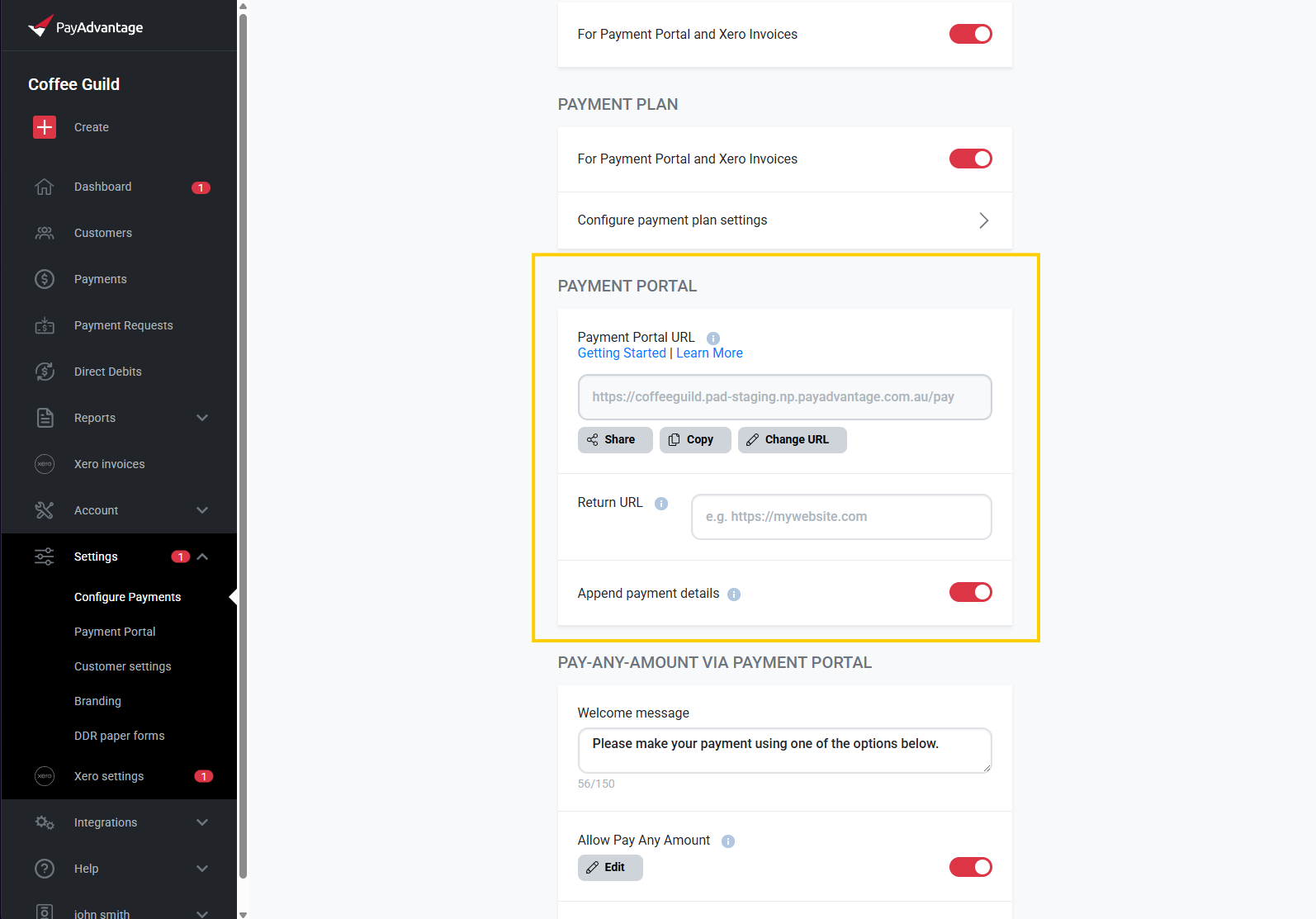
Consolidated Payment Portal URL and subdomain management into a single section in Configure Payments; the displayed URL automatically uses the subdomain when one is active.
Payment Request History
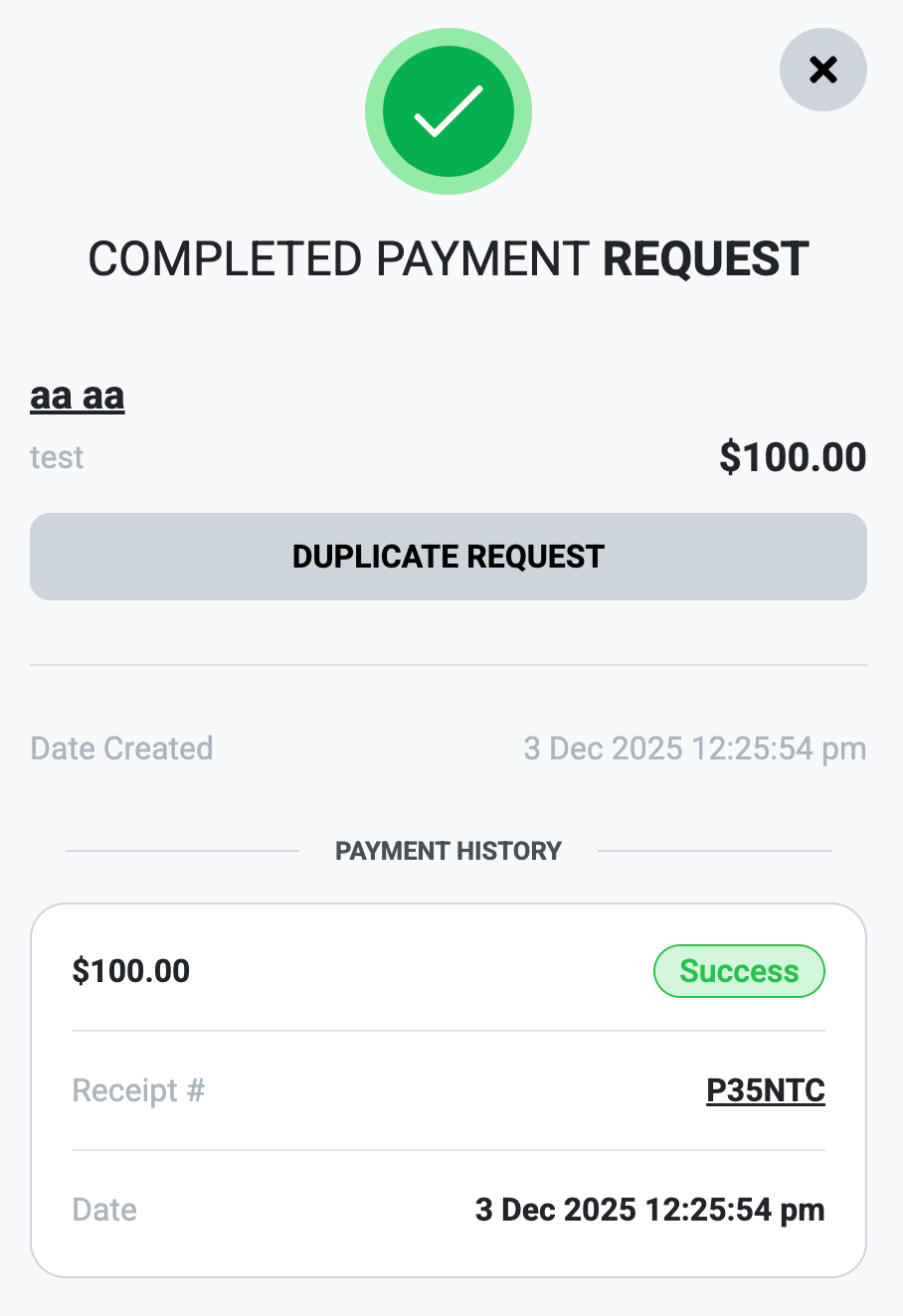
Completed or failed payment requests now include a detailed history of payment attempts. This helps you see if a customer tried to pay multiple times and makes it much easier to explain the payment activity to your customers.