Release 10.9.0
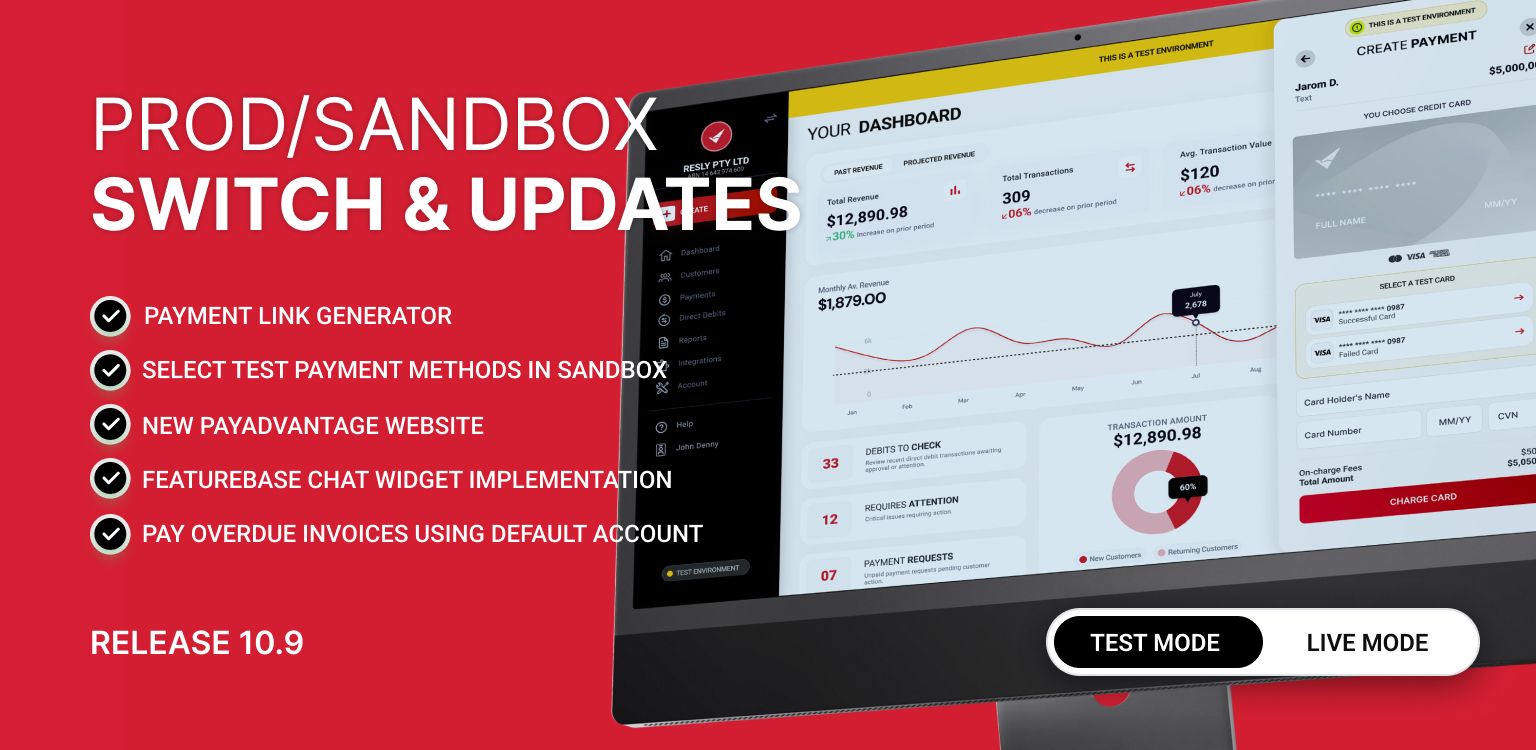
Easily Switch Between Production and Sandbox
You can now easily switch between your Live (Production) and Sandbox (Test) environments, all while using your same Production login.
This update makes it simple to:
Test and explore safely in Sandbox before going live
Use your Production credentials to log into Sandbox, no separate account/login needed
Keep your user settings and data in sync between environments
Instantly recognise which environment you’re in, with clear Sandbox colouring and labels
No need to manage separate logins or accounts — just switch, test, and return to Production anytime.

Select Test Payment Methods in Test Environment (Sandbox)
Sandbox users can now choose from pre-configured test credit cards and bank accounts to simulate different payment scenarios directly in the Virtual Terminal.
Key Benefits:
Quickly test different payment outcomes (success, failure, or error scenarios) without manually entering card or bank details.
Selection automatically populates the payment form with the chosen test details.
A clear banner indicates that you are in a test environment to avoid confusion.
Dropdown and test data appear only in the Sandbox environment; production is unaffected.

New Pay Advantage Website

Updated Support Chat
A new chat feature is now available in the Help section to assist you with any issues.

Custom Payment Link Generator
Use this feature to create customised payment links that can be shared or embedded on your website. These links allow customers to pay for a product or service directly through your branded payment portal.
You can also learn how to dynamically generate these links — perfect for developers who want to automate link creation based on customer or product data.
Key Benefits:
Generate reusable payment links by entering customer information or just an amount and description.
Supports all key fields including: First Name, Last Name, Amount, Description, Payment Ref, Customer Ref, External ID, Business Name, Email, and Phone.
Links can be secured with a hash, making them tamper-proof for safer transactions.
Automatically generates a QR code for easy sharing alongside the payment link.
Simple API integration available for creating links and QR codes programmatically.
Past links are visible in a table showing the most recent 10 links, making management and reuse easy.
Note:
Custom Payment Links are different from Payment Requests.
Payment Requests are created through the Virtual Terminal.
They are trackable within your account.
They are automatically marked as completed once payment is received.
Custom Payment Links, by contrast, are static or dynamically generated URLs that don’t automatically track the individual payment status — ideal for general payments or online checkout scenarios.
