Release 10.1 - 16th Oct 2024
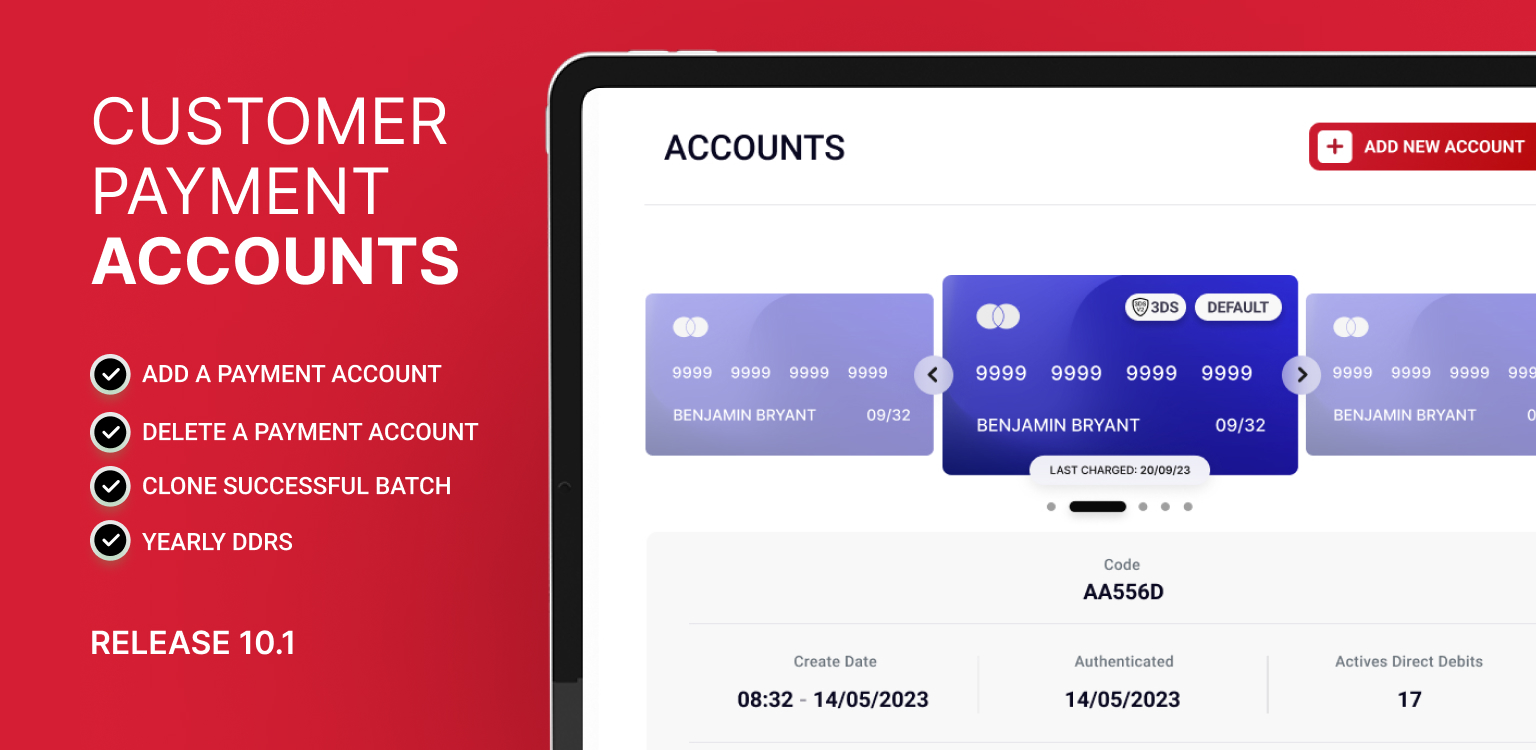
Show Customer Payment Accounts
Customer payment accounts are a core feature of Pay Advantage, used to charge payments to a bank account or credit card. Each new bank account or credit card added for a customer creates a separate payment account.
Previously, these accounts were only visible when selecting a DDR, creating a payment, or via the API.
We’ve now introduced a new screen in the customer section, where you can view all associated customer payment accounts, including stored credit cards and bank accounts.
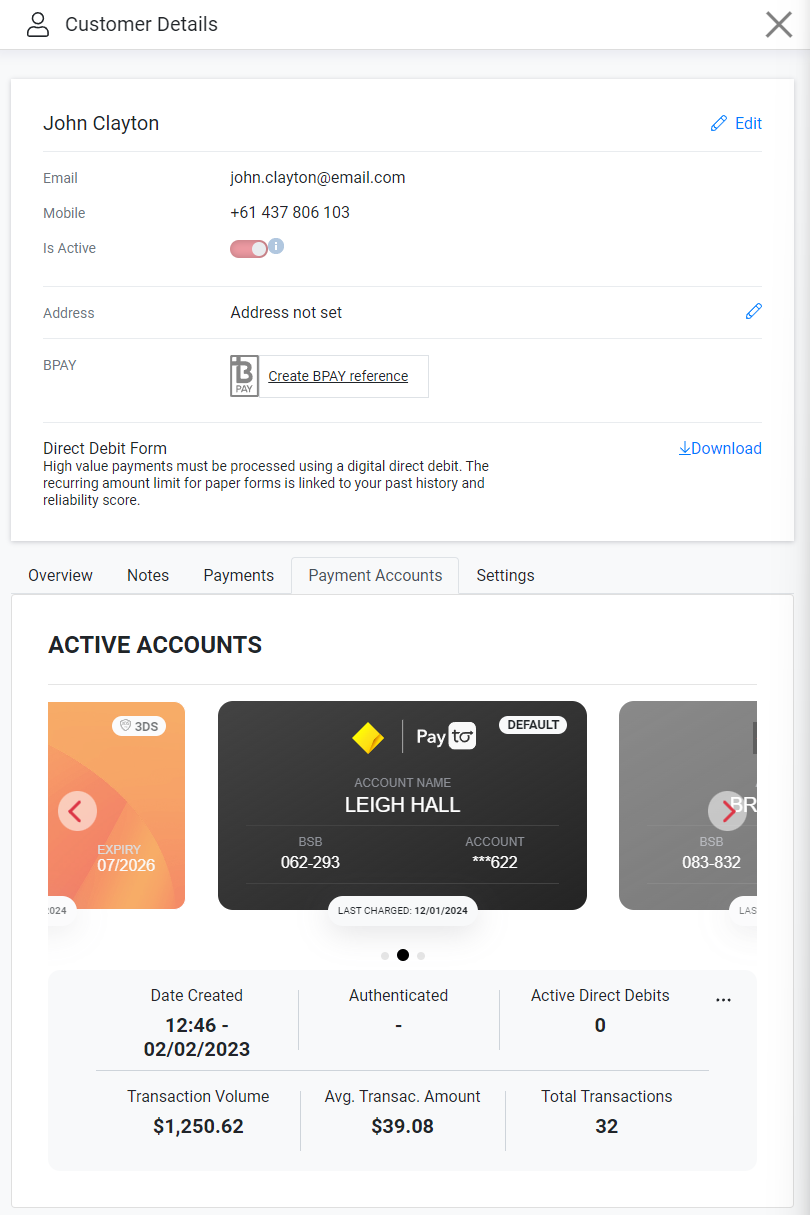
Delete a Customer Payment Account
If a customer requests the removal of their payment account, you can now handle this on the new customer payment account screen. This action will prevent further charges to the deleted account.
However, if the customer has an active DDR, you won’t be able to delete the account until all DDRs are no longer using this Customer Payment Account.
If you accidentally delete a payment account, simply contact support, and they can restore it for you.
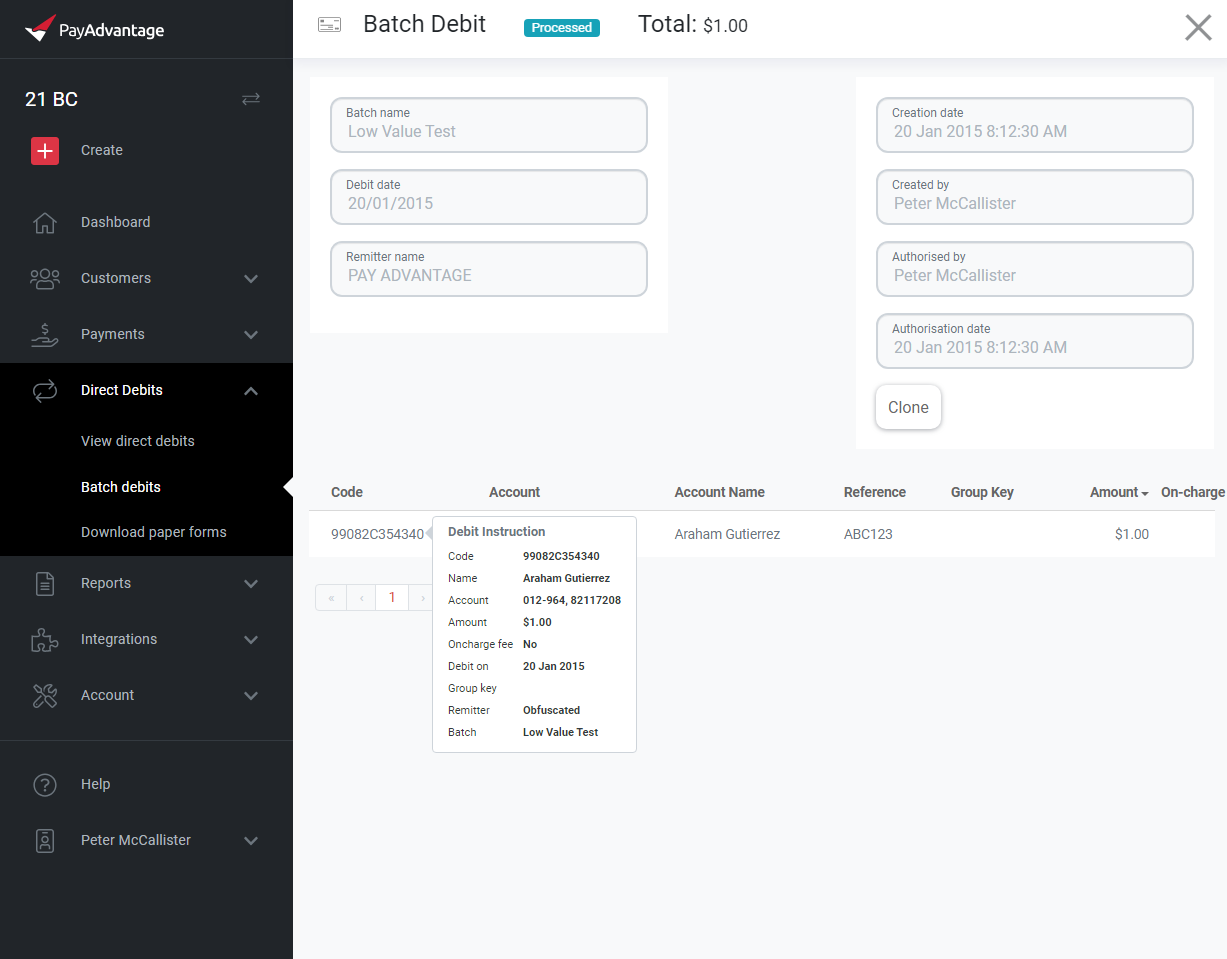
Clone successful batch
You now have the option to clone a successful batch, allowing you to recreate the same payments that were processed in a previous batch. This feature is especially useful if you need to repeat the same payments regularly with only minor adjustments.
When cloning a batch, all payment details from the original batch will be copied, so you can quickly make any necessary changes before processing the new batch. This saves time and ensures accuracy for recurring payments.
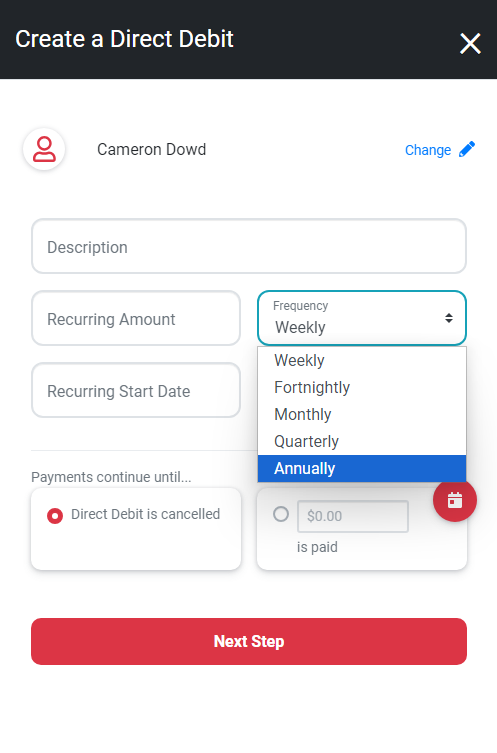
Yearly DDRs
In response to customer requests, we’ve added the ability to create yearly recurring DDRs.
However, there are a few specific limitations for yearly DDRs:
The failed payment setting cannot use the options “Add to next payment” or “Append after last.”
DDRs currently set to another frequency cannot be switched to yearly.